 Watchie
Employee screenshot monitoring, with a notice every time
Proof of what was on screen — all monitors, at random moments — with privacy controls that make it fair.
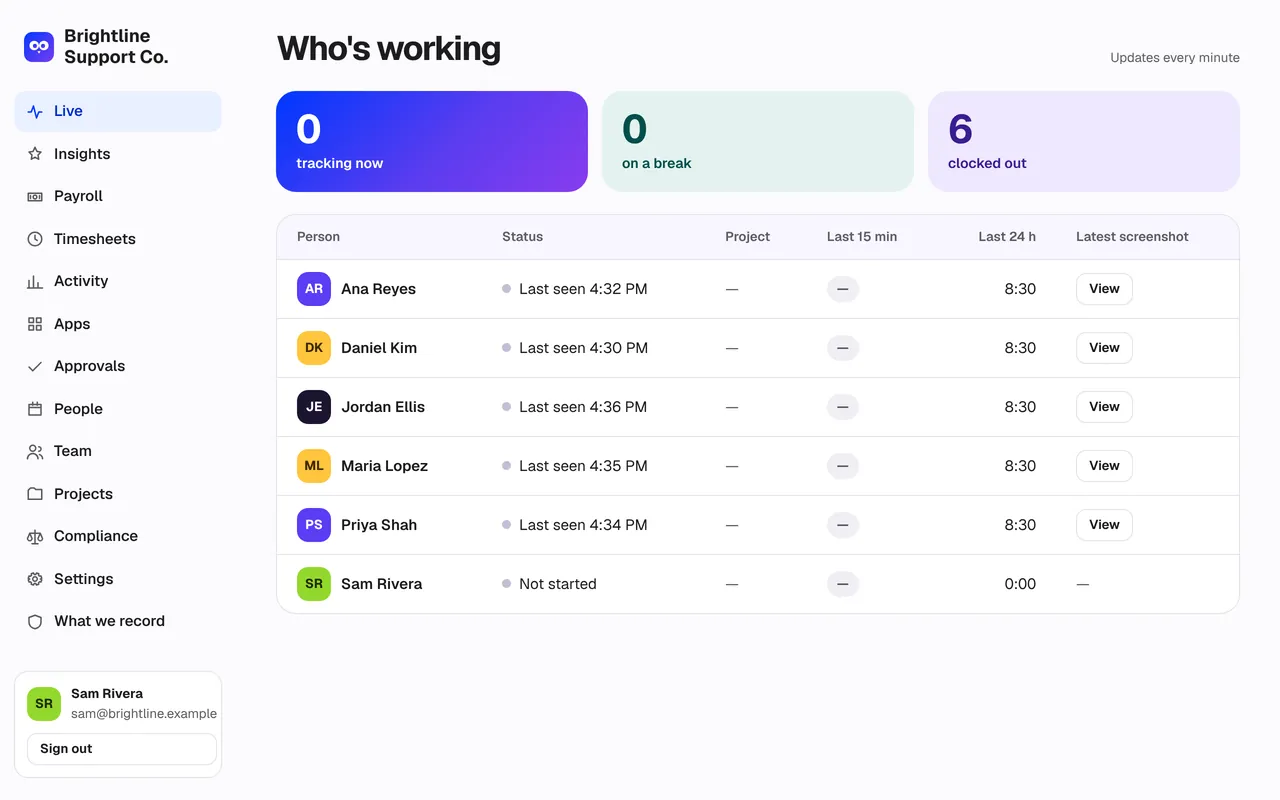
What’s included in screenshots
Every monitor
Second and third screens are captured too, so work (or the lack of it) can’t hide on another display.
Random timing
0 to 3 per 10-minute block, at moments no one can predict.
Blur option
Turn on blur when you want proof of activity without reading details.
Notice every time
A small “Screenshot taken” notice appears, so no one is surprised.
Private storage
Screenshots are stored privately and opened only through links that expire in five minutes. Every view is logged.
Automatic deletion
Screenshots are deleted after your retention period (30 days by default).
Screenshots: frequently asked questions
Does Watchie record what people type?
No. Watchie counts whether the keyboard and mouse were used each second. It never records which keys were pressed, what was typed, passwords or the clipboard.
How does Watchie spot a mouse jiggler?
Gadgets and scripts move the mouse in patterns people don’t: perfectly regular timing, identical movements, motion with no clicks or typing, and no change of window. Watchie flags 10-minute blocks that look like that and says exactly why.
How does second-job detection work?
Watchie surfaces signals: time in another company’s Slack or Teams workspace, email from other companies’ domains, remote-desktop or virtual-machine software, and overlapping meetings. These are reasons for a conversation, not proof on their own.
How often are screenshots taken?
You choose 0 to 3 per 10 minutes, at a random moment. Screenshots can be blurred, every person sees a notice when one is taken, and you can let people delete one within 10 minutes.
How long are screenshots kept?
30 days by default, and you can change it. Older screenshots are deleted automatically.
Does Watchie use the camera or microphone?
No. Watchie never turns on the camera or the microphone.
Is anything recorded on a break or off the clock?
No. Nothing is tracked while someone is on a break or clocked out.
More employee time tracking features
Time clock & breaks
Clock in with one click. Bathroom, lunch and personal breaks, with a daily limit and flags when it’s exceeded.
Field crews
Phone clock-in that only works at the job site. Off-site punches flagged, drive time between jobs logged.
Activity tracking
Clicks, keystroke counts and real mouse movement in 10-minute blocks. Jigglers and auto-clickers stand out.

See who’s really working.
Set up your team in minutes. Clock in on Mac, Windows, or a phone at the job site.
Already have an account? Log in